 JEIL Office
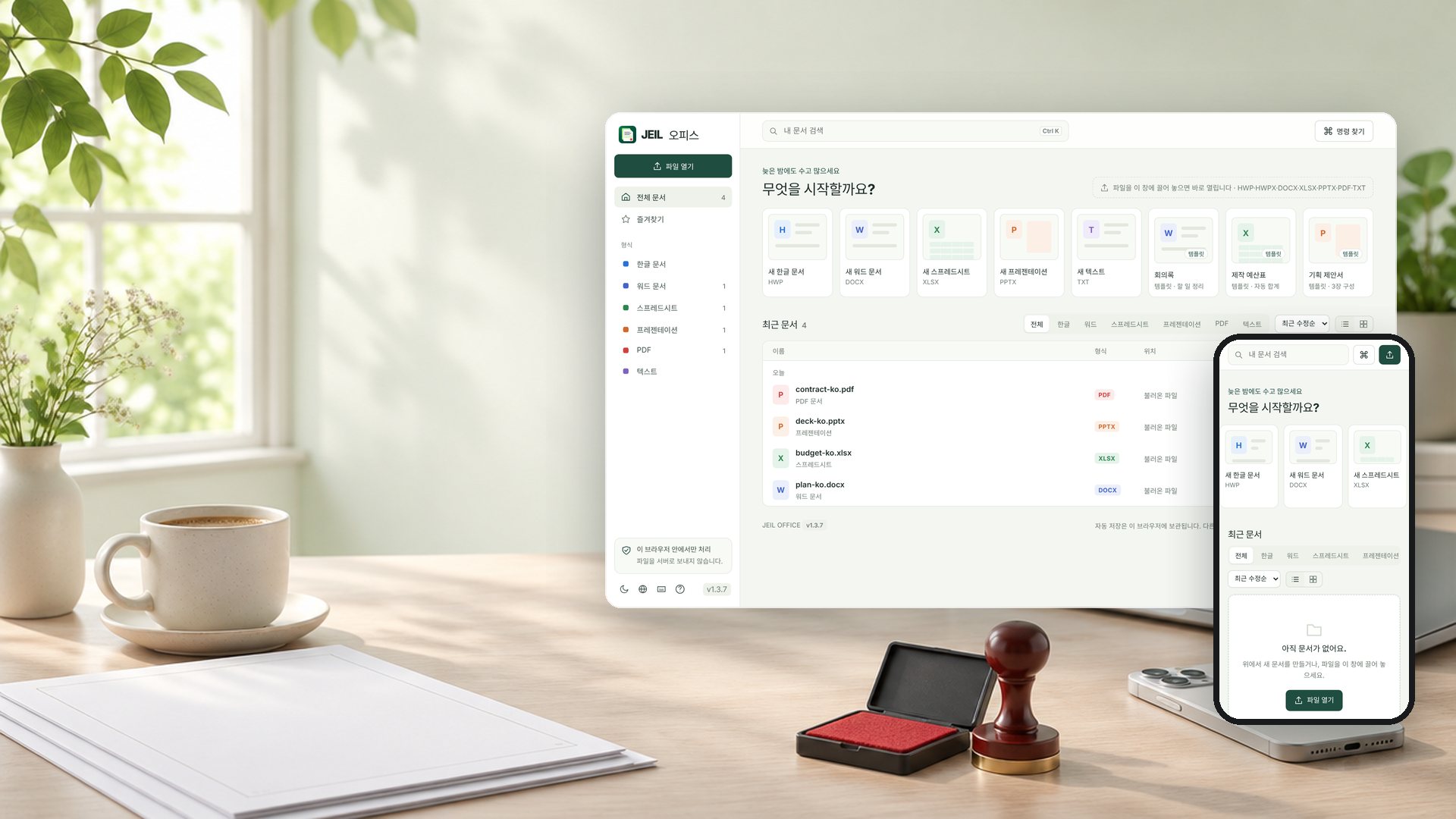
HWP, Word, Excel, PPT and PDF in one app. Every feature free — no payment, no sign-up.
| Developer | JEIL Video Vision |
|---|---|
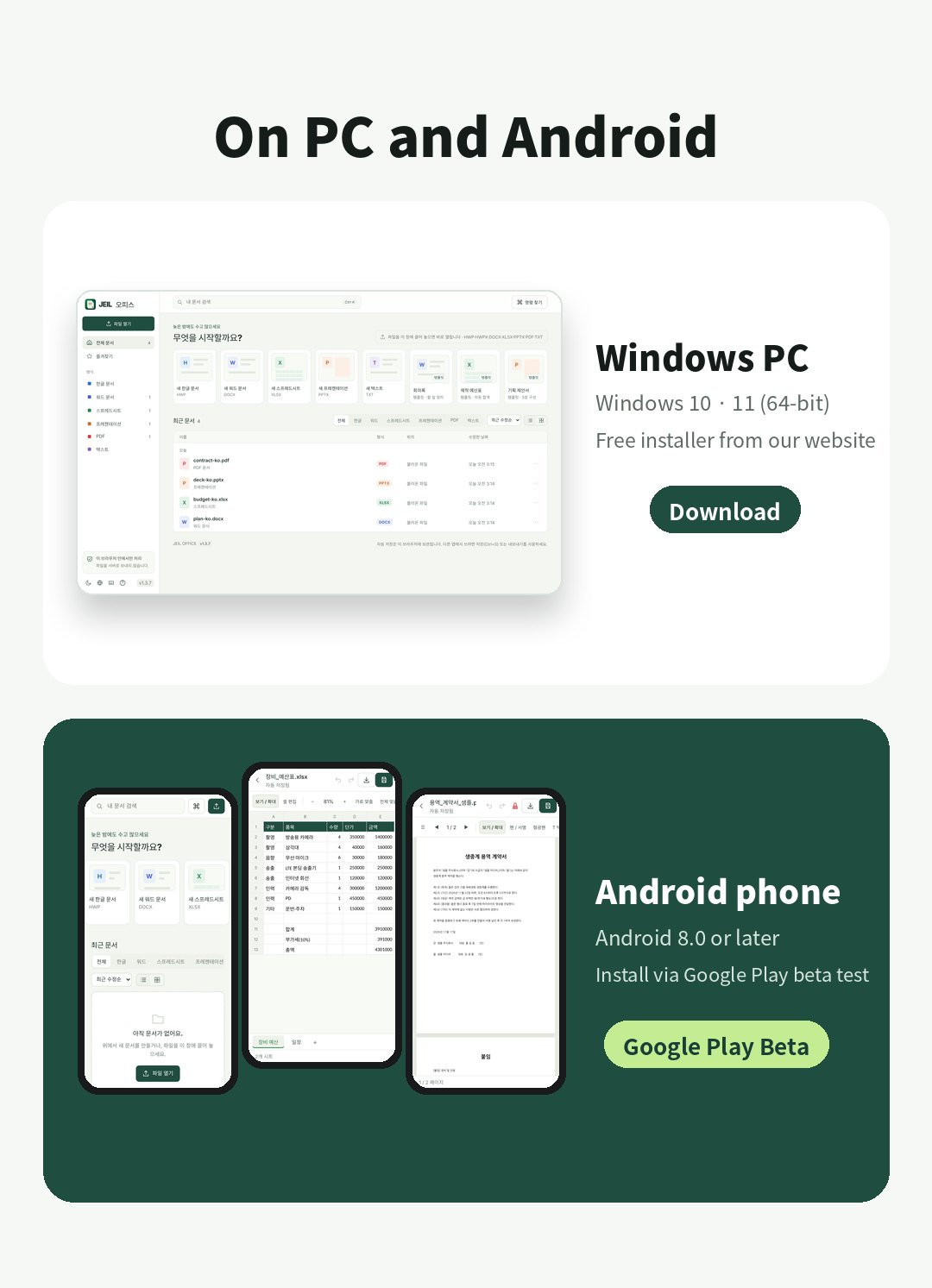
| Devices | Windows 10·11 (64-bit) · Android 8.0+ |
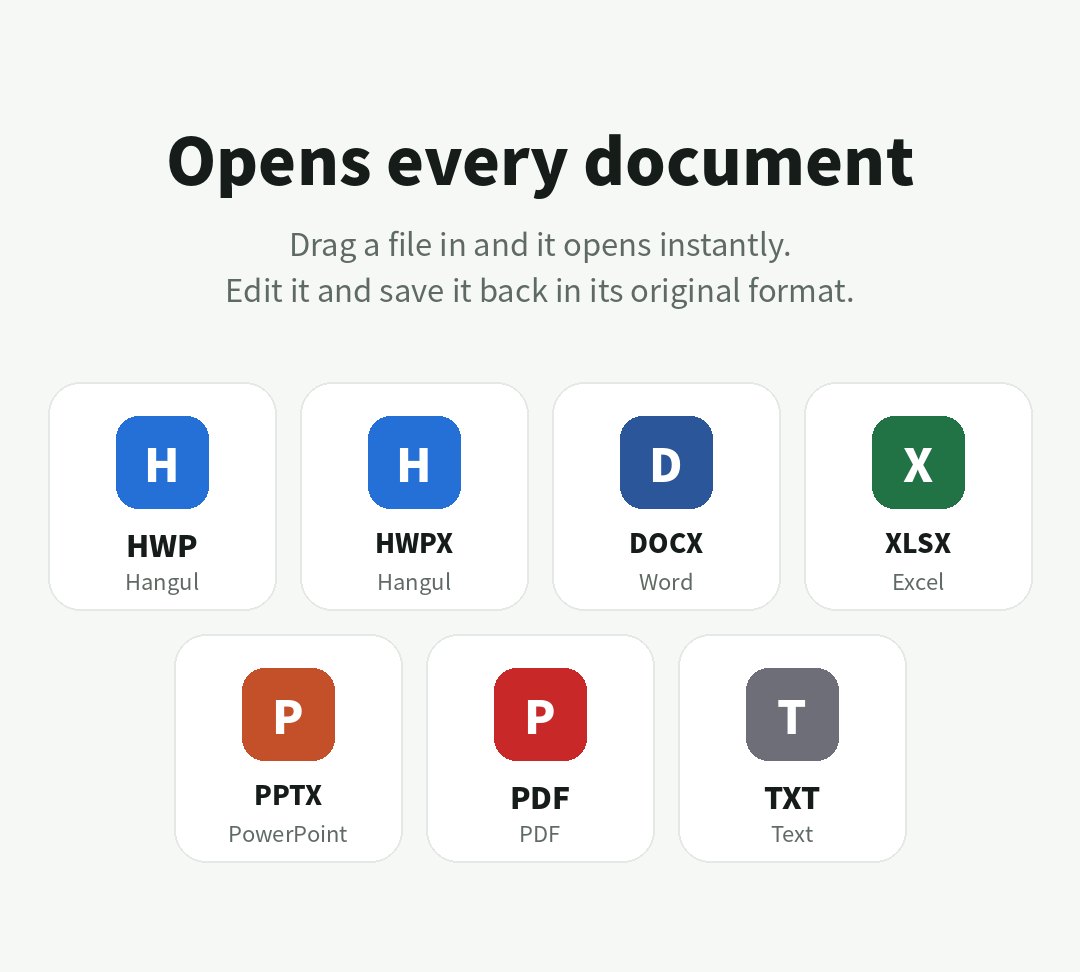
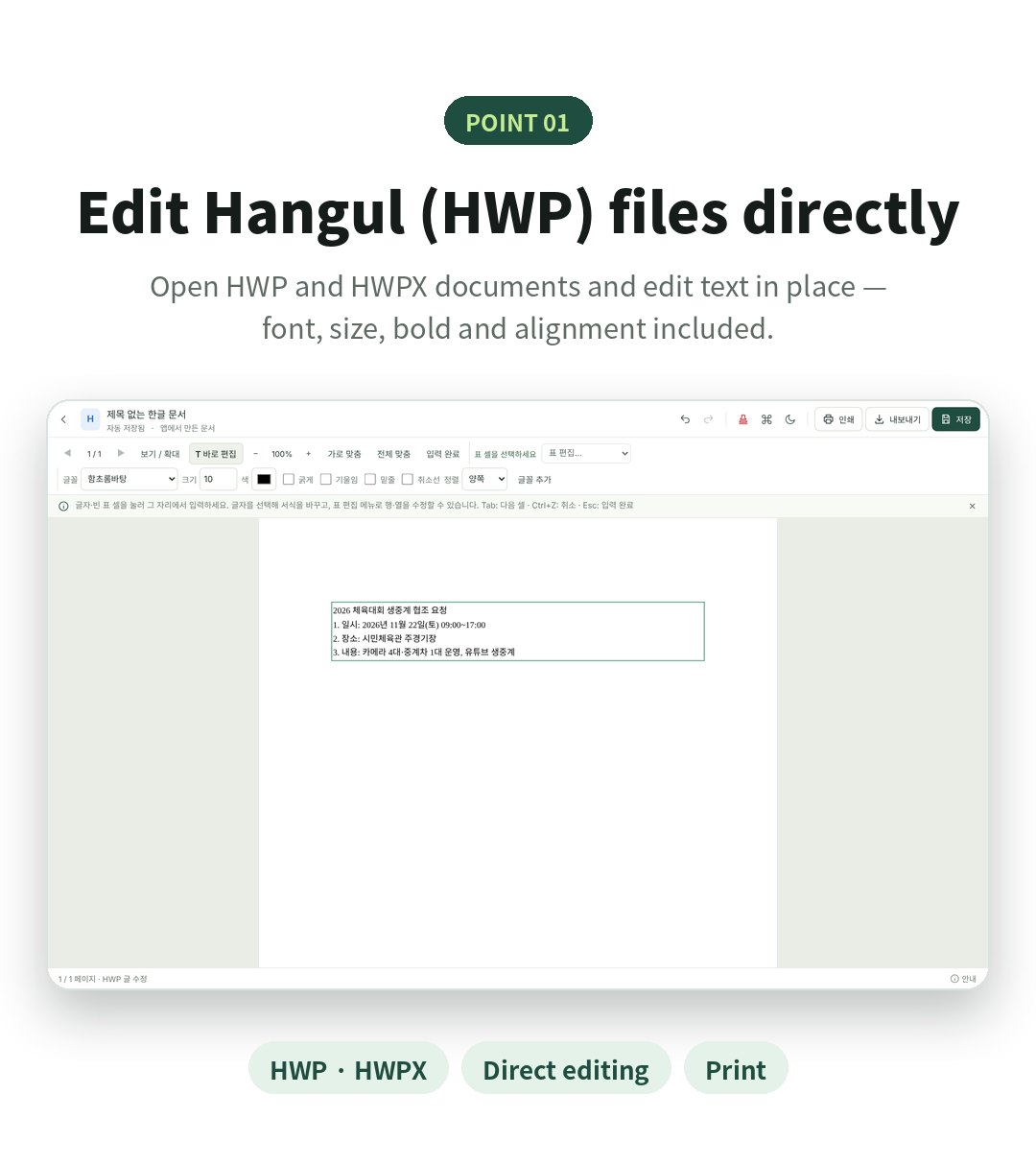
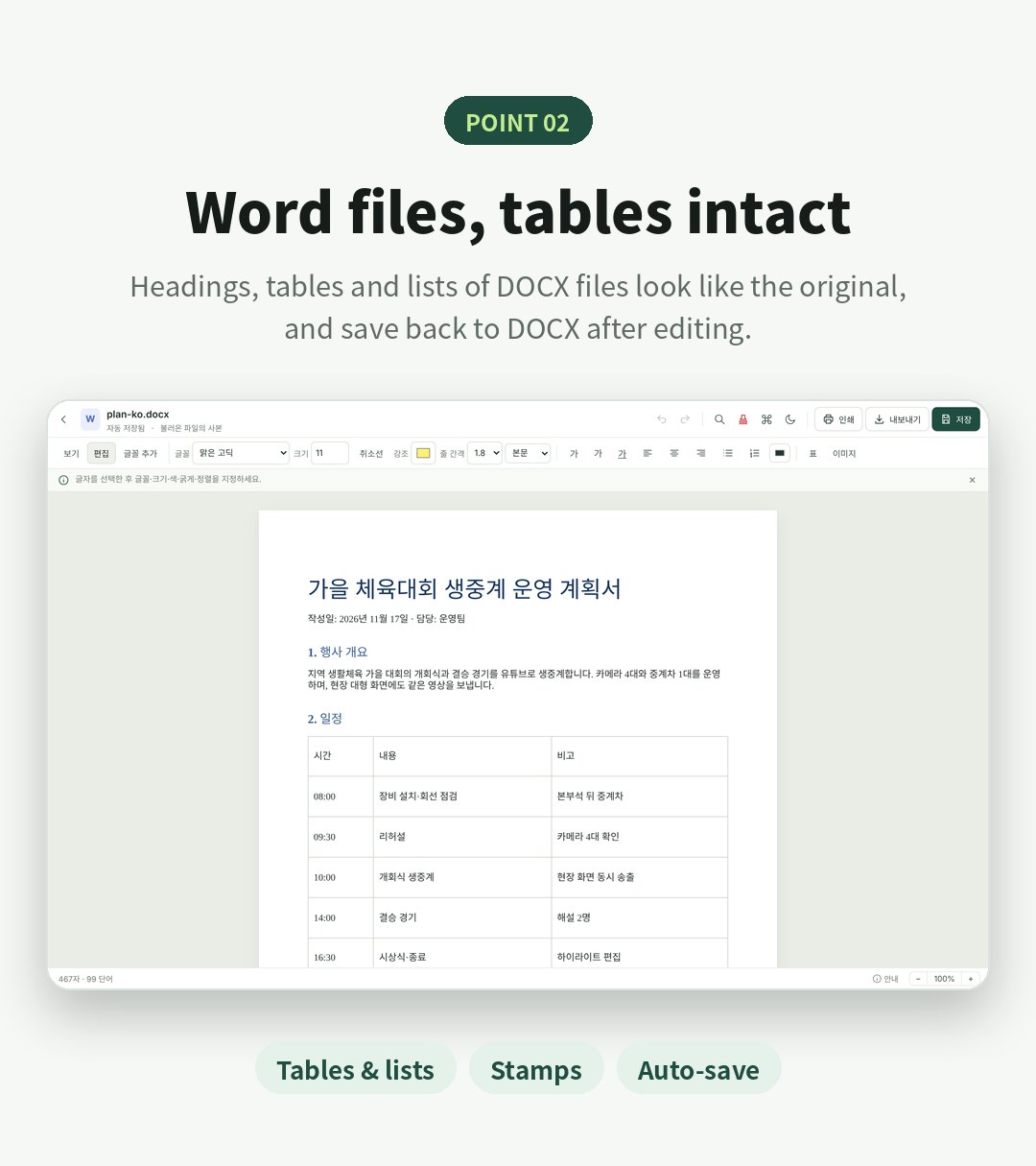
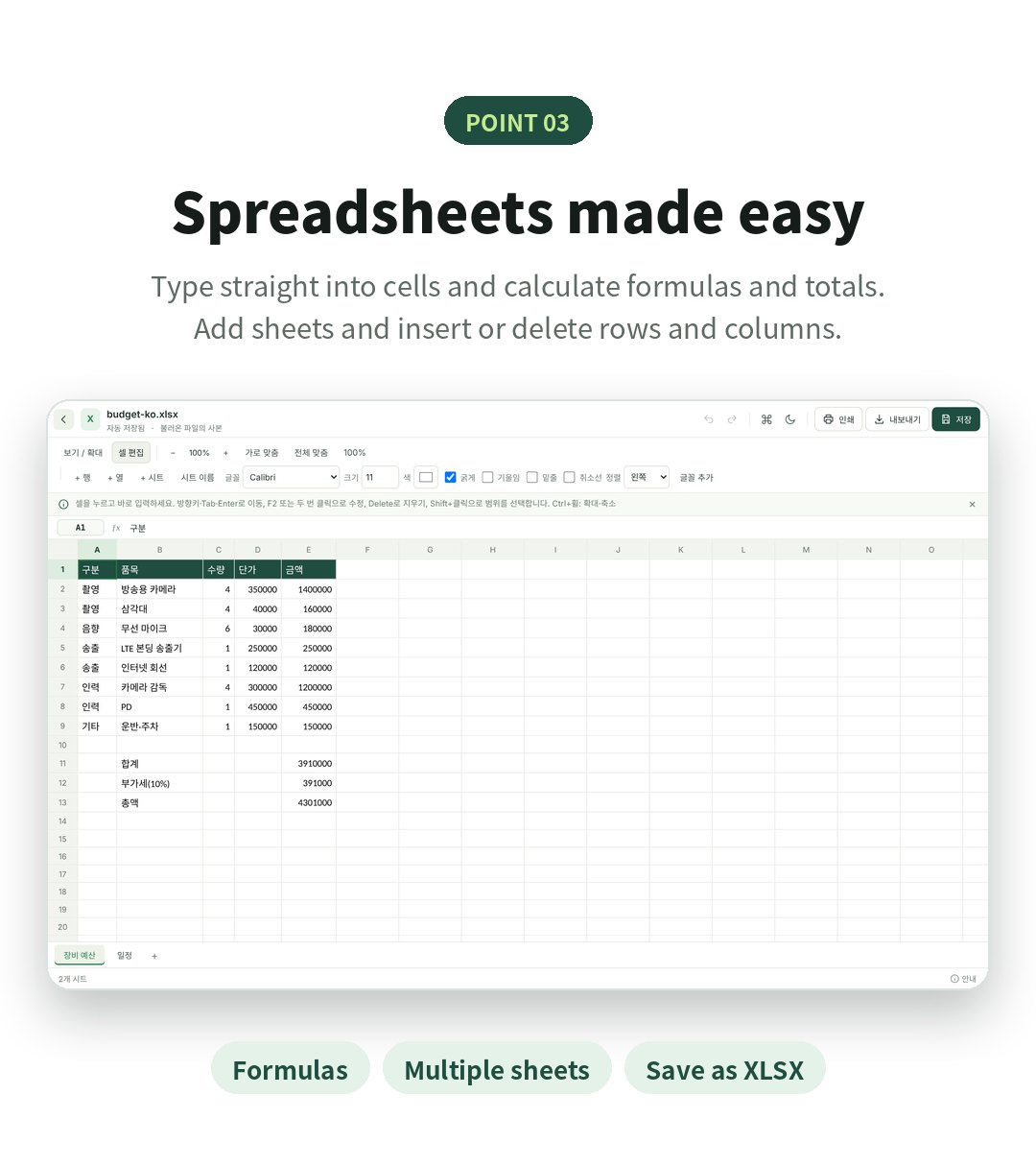
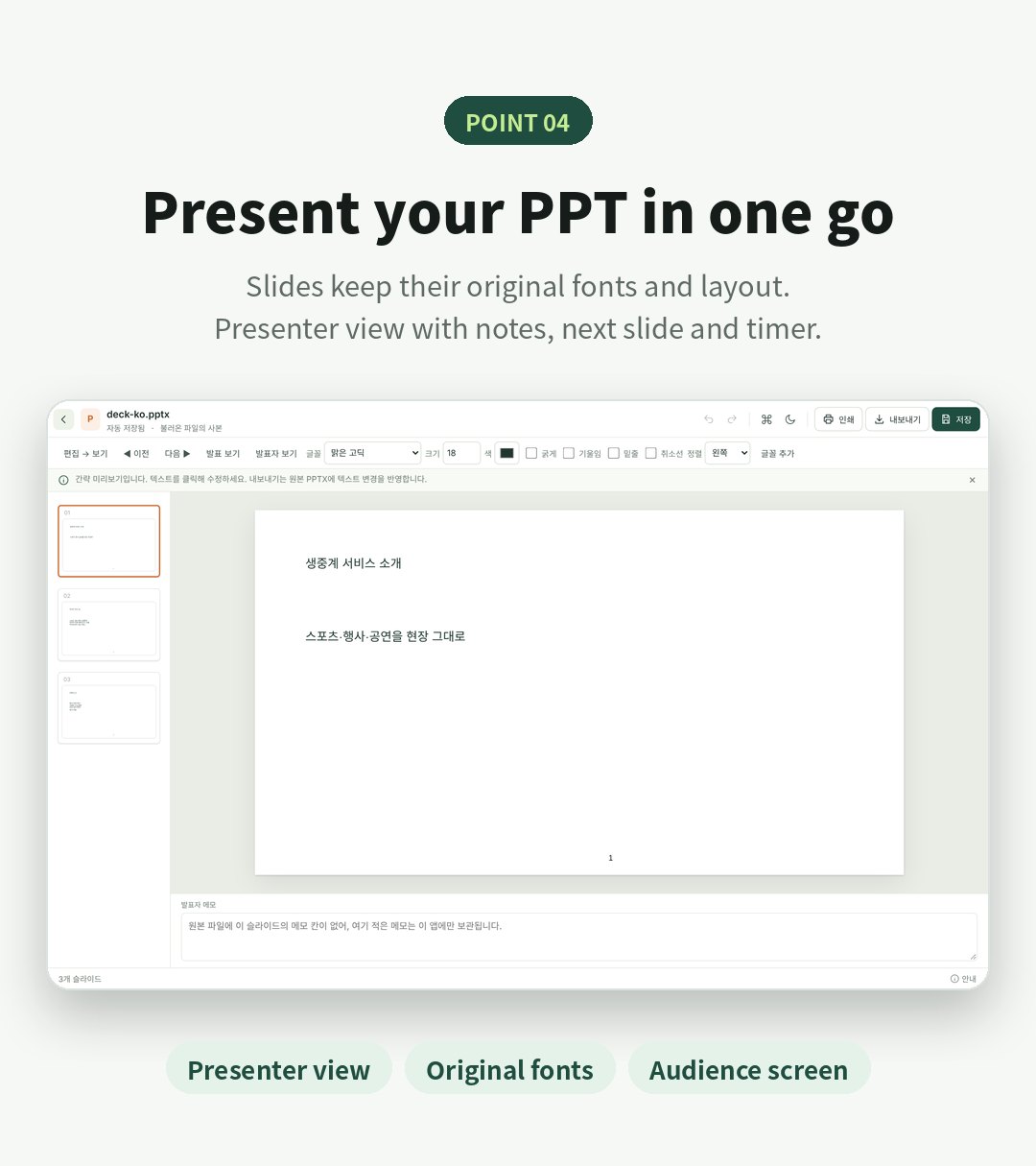
| Opens | HWP · HWPX · DOCX · XLSX · PPTX · PDF · TXT |
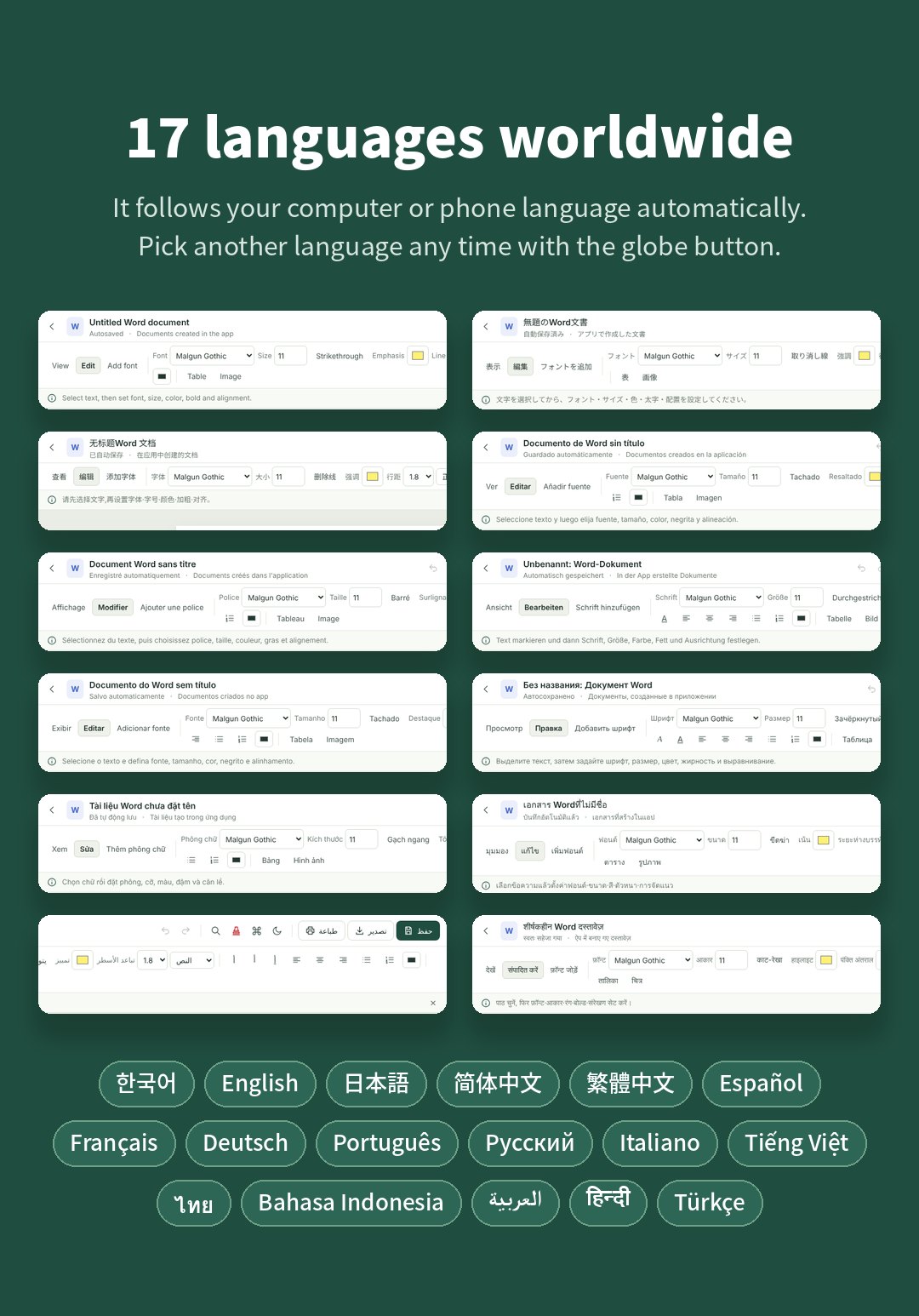
| Languages | 17 languages (automatic · change with the globe button) |
| Get it | PC: free download via e-mail link · Android: Google Play beta |
No payment · no account · download link sent by e-mail
The Android app is available only through Google Play (no APK downloads).
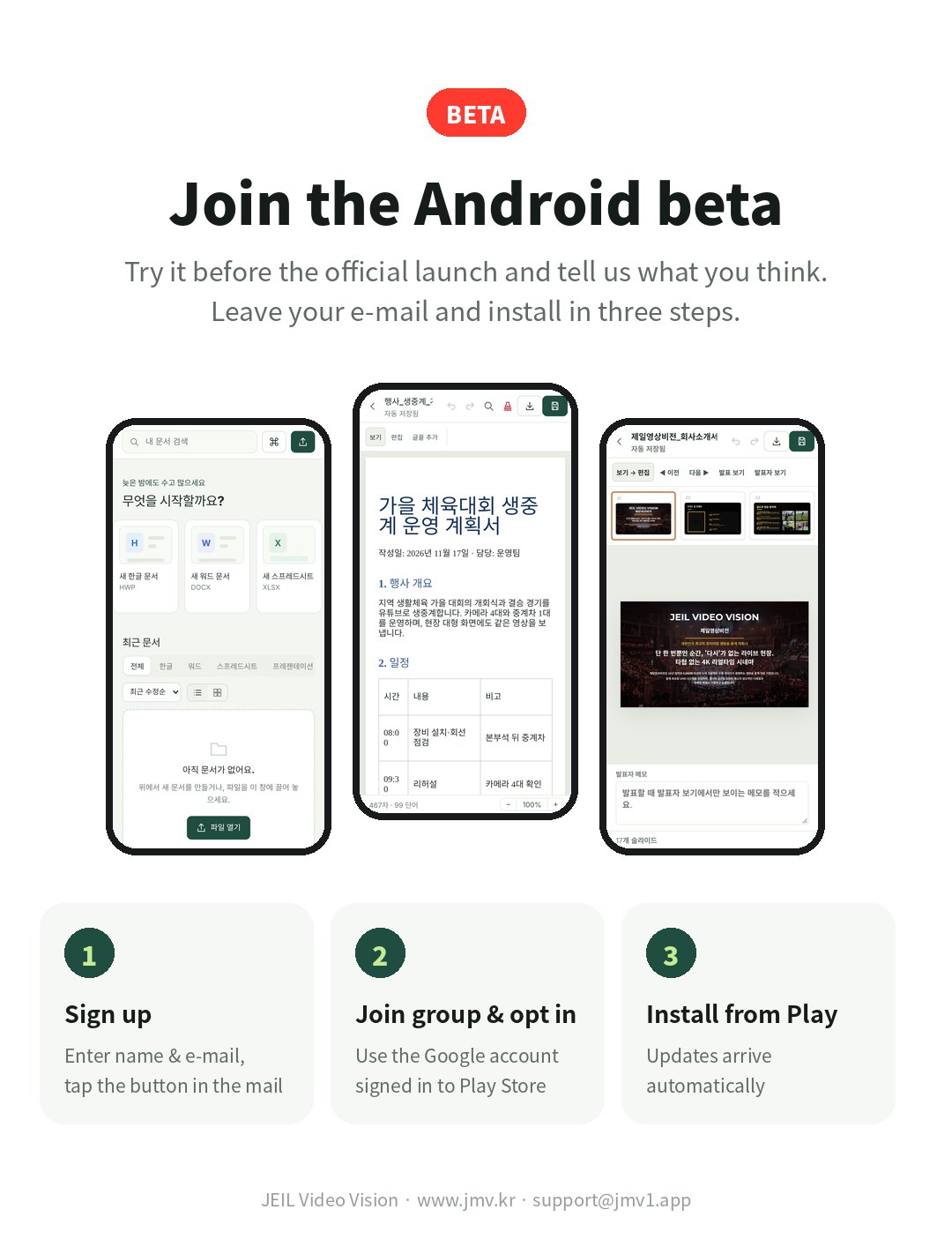
Try it before launch and tell us what you think. Leave your name and e-mail and we will send you the instructions.
| Windows | Windows 10 · 11 (64-bit), installer about 170 MB |
|---|---|
| Android | Android 8.0 or later, Google Play beta |
| Open & save | HWP·HWPX·DOCX·XLSX·PPTX·PDF·TXT |
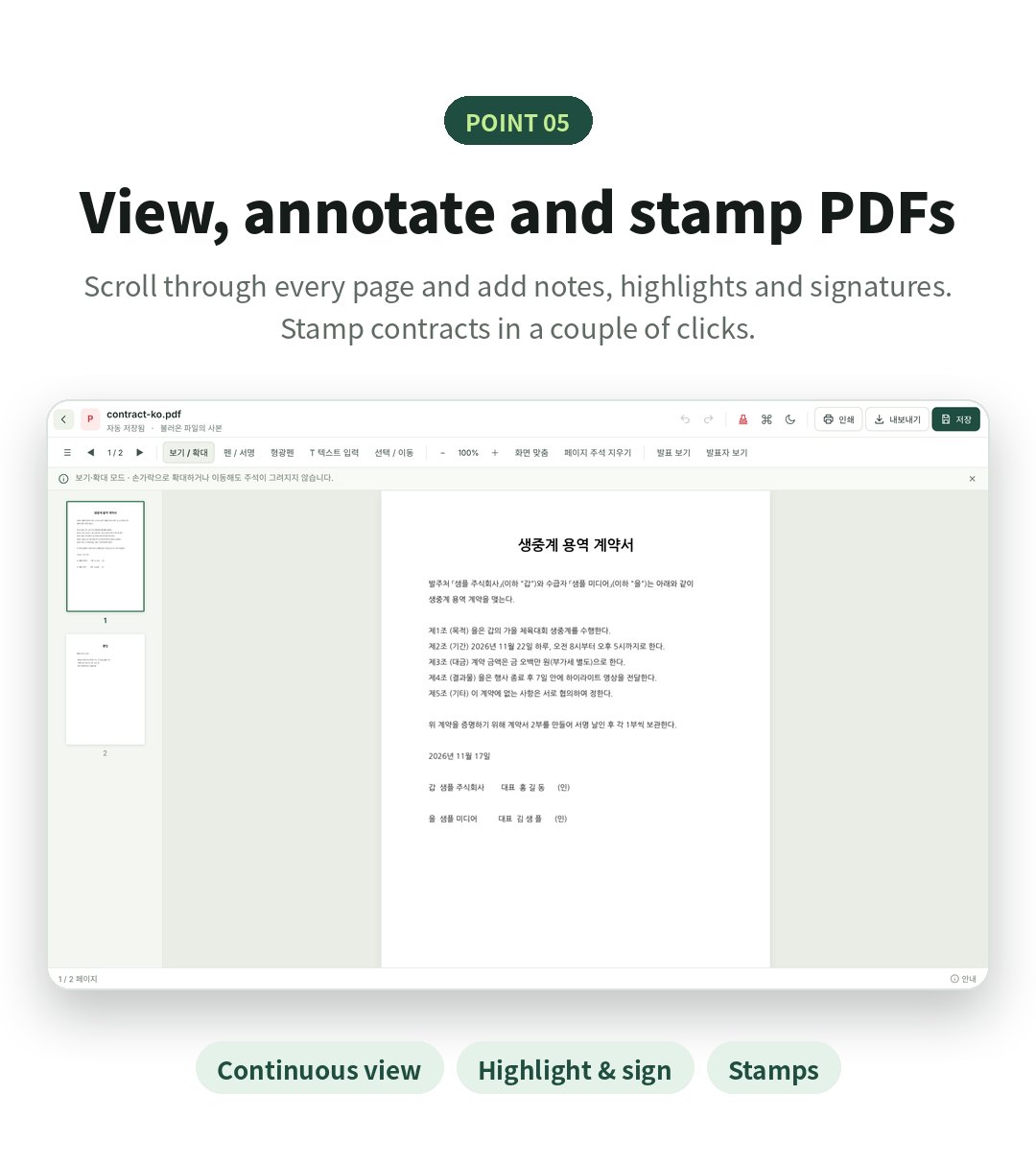
| Continuous view, notes, highlighter, signature, stamps, save with annotations | |
| PPT | Original fonts, presenter view (notes, next slide, timer), audience screen |
| Languages | 한국어, English, 日本語, 简体中文, 繁體中文, Español, Français, Deutsch, Português, Русский, Italiano, Tiếng Việt, ไทย, Bahasa Indonesia, العربية, हिन्दी, Türkçe |
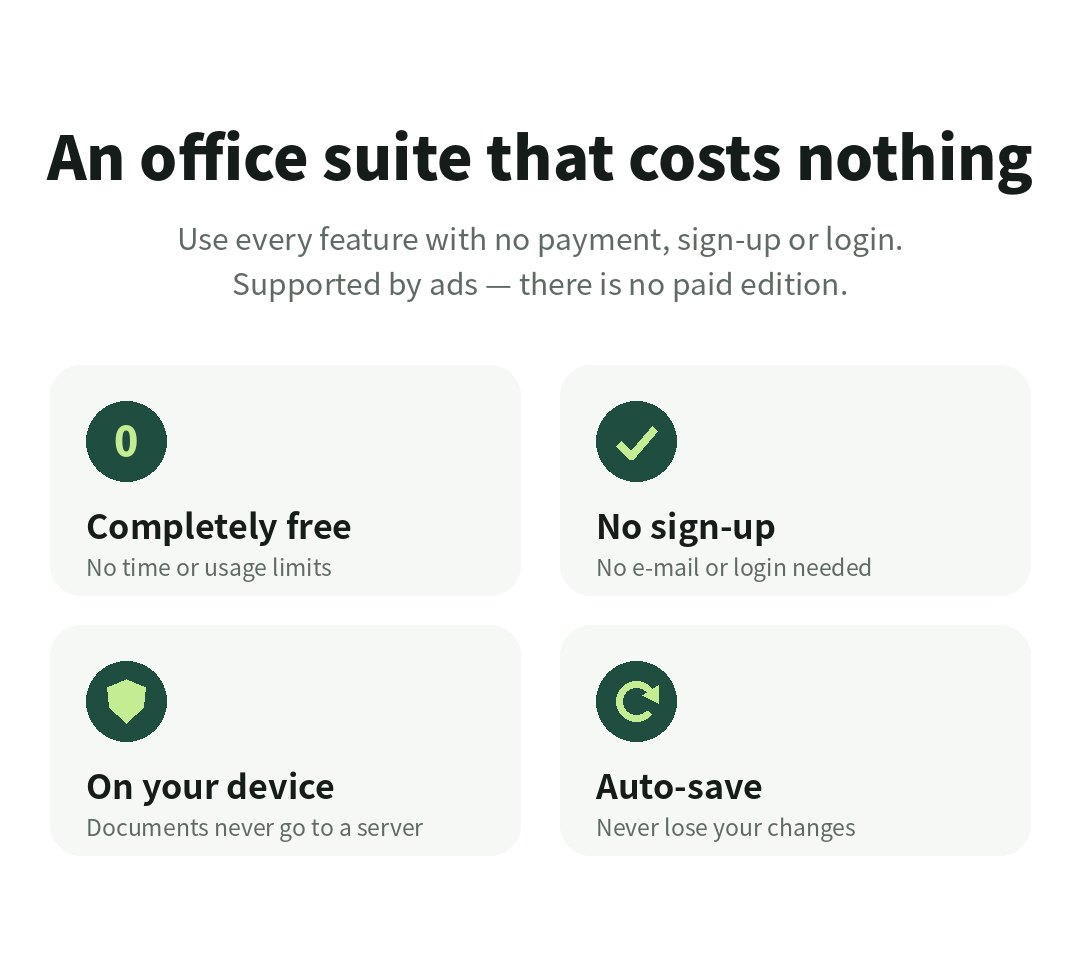
| Privacy | No sign-up or login; documents are processed on your device only |
Yes. Every feature is free with no time or usage limits. The app is supported by ads; there is no ad removal or paid edition.
Tap 'Free PC download', leave your name and e-mail, and a download link arrives by e-mail.
The Android app is distributed only through Google Play. During the beta, apply above and install from the Play Store.
The button in the e-mail opens three steps: 1) join the Google group 2) become a tester 3) install from Play. Join the group with the Google account signed in to your phone's Play Store.
No. Documents are opened and saved only on your PC or phone.
17 languages are supported. It follows your device language and you can switch any time with the globe button.